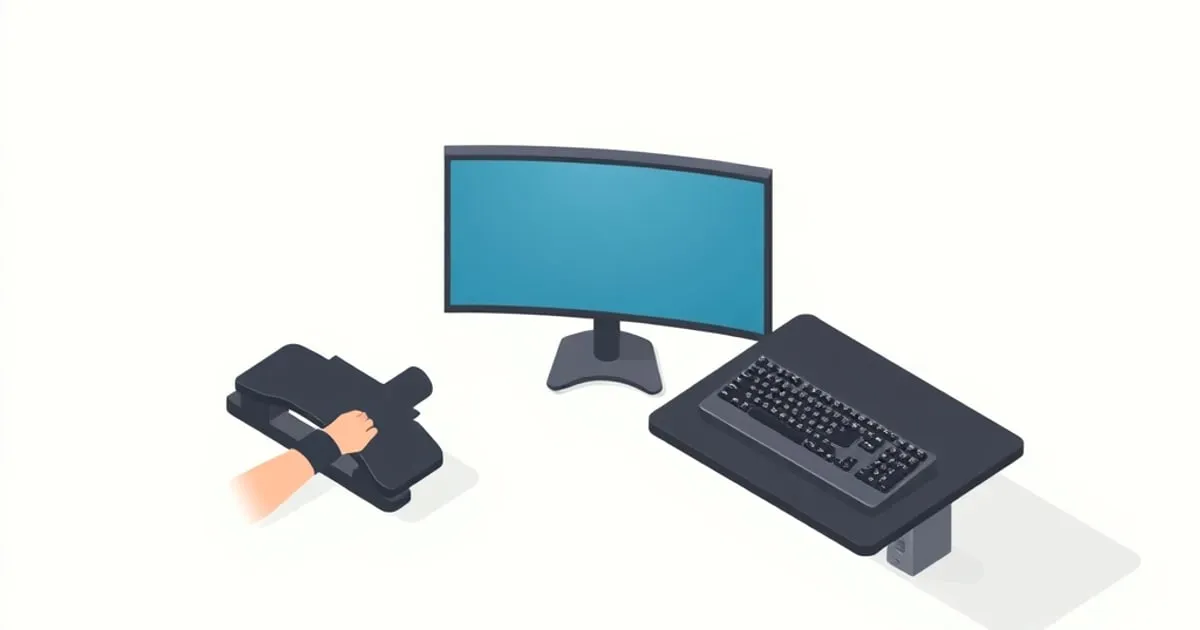
Wrist and Forearm Support Options Compared: Rests, Trays, and Angles
Wrist rests, forearm supports, keyboard trays, and tilt adjustments ranked by what they actually fix. The honest answer is that most wrist pain is a keyboard-height problem, not a missing wrist rest.
Wrist pain at a desk is one of the most common complaints we get, and the most common fix people reach for — a gel wrist rest — is usually the wrong one. The goal of every option below is the same: keep your wrists straight and roughly parallel to the floor while typing, the way OSHA’s keyboard guidance ↗ describes a neutral hand position. Most wrist pain is a wrist-angle problem, and a wrist rest doesn’t change your angle — it just pads it.
Here’s the full menu, ranked by how much each actually moves the needle on wrist angle.
The Root Cause First
Before buying anything: the dominant cause of desk wrist strain is a keyboard that sits too high, forcing your wrists to bend upward (extension) to reach the keys. The neutral target is straight, in-line wrists with forearms parallel to the floor and elbows bent 90–120°.
If your wrists bend up to type, no wrist rest fixes that — you’ve padded the problem, not solved it. Solve the angle first.
TL;DR Ranking
| Option | Fixes wrist angle | Effort/Cost | Who it’s for |
|---|---|---|---|
| Keyboard tray | ★★★★★ | $$$ / install | High desks, tall users |
| Negative keyboard tilt | ★★★★ | Free–$ | Almost everyone |
| Forearm support board | ★★★★ | $$ | Mouse-heavy / shoulder strain |
| Wrist rest (pause use) | ★★ | $ | Resting between bursts |
| Wrist brace | ★ (medical) | $ | Per clinician advice only |
1. Keyboard Tray — Best Fix for a High Desk
If your desk is too tall for your seated elbow height, a keyboard tray ↗ drops the keyboard a few inches below the desktop so your forearms land parallel to the floor. This is the single most effective fix for wrist extension caused by desk height, because it changes the actual geometry rather than padding around it.
A good tray also offers negative tilt — angling the keyboard slightly down and away from you — which is the position that keeps wrists most neutral. See MonitorArmGuide’s keyboard tray buyer’s guide ↗ for mount types and selection.
Best for: fixed-height desks that are too tall, taller users, anyone whose wrists bend up to reach the keys.
2. Negative Keyboard Tilt — Best Free Improvement
Counterintuitively, the little flip-out feet on the back of most keyboards tilt the keys the wrong way for ergonomics — they raise the back edge and bend your wrists further up. Neutral wrist angle usually wants a flat or slightly negative tilt (front edge higher than back).
Retract those feet. If your keyboard supports a reverse tilt, or your tray offers negative tilt, use it. This costs nothing and helps almost everyone.
Best for: everyone — do this before buying anything.
3. Forearm Support Board — Best for Mouse-Heavy Work
A forearm support attaches to the desk edge and gives your forearm a place to rest while mousing, taking load off the shoulder and reducing the tendency to plant the wrist and pivot. For people who mouse all day (designers, CAD, heavy spreadsheet work), this offloads the shoulder more than any wrist accessory.
Best for: mouse-intensive work, shoulder/neck strain that worsens through the day.
4. Wrist Rest — A Pause Aid, Not a Typing Aid
Here’s the nuance most product pages skip: a wrist rest is meant to support your wrists during pauses, not while you’re actively typing. Resting your wrists on a pad while typing pins the hand and forces finger-stretching and side-to-side wrist deviation. Used correctly — a place to set your hands between bursts — a rest is fine. Used as a constant typing surface, it can make things worse.
Look for: a rest level with the keyboard’s home row (so it doesn’t create an upward bend), firm enough not to bottom out. Memory foam or gel both work; the height match matters more than the material.
Best for: resting hands between typing bursts. Not a fix for a high keyboard.
5. Wrist Brace — Medical, Not Ergonomic
A wrist brace immobilizes the joint and is a treatment device, not a workstation accessory. If you have diagnosed carpal tunnel or tendinitis, follow your clinician’s guidance — sometimes that’s a night brace, sometimes activity changes. Wearing a stiff brace to type all day can shift strain elsewhere. This is the only item here we won’t give a blanket recommendation on; it’s a medical decision.
Best for: only under clinical advice.
What to Skip
- Tall, squishy wrist rests that sit well above the keyboard. They force an upward wrist bend — the exact problem you’re trying to avoid.
- Buying a wrist rest to fix pain caused by a too-high keyboard. You’re treating the symptom. Lower the keyboard (tray or negative tilt) first.
- Using keyboard flip-out feet for “comfort.” They tilt the wrong way for neutral wrists.
How We Ranked
50% effect on actual wrist angle (the root cause), 20% effect on adjacent strain (shoulder/forearm), 20% how easy it is to do correctly, 10% cost. Keyboard trays and negative tilt win because they change geometry; wrist rests rank lower because, used wrong, they pad the problem instead of fixing it.
How This Fits the Full Setup
Wrist support is the hand-level layer of a neutral-posture workstation. It only works once the chair sets your elbows and the desk/tray sets your keyboard height. Get those right first; then fine-tune the wrists.
Cross-Network Reading
- For keyboard trays specifically: MonitorArmGuide’s keyboard tray guide ↗
- For the standing-desk version of this setup: StandDeskReview ↗
- For the full home office build: HomeDeskGuide ↗
Related Reading on ErgoRanker
- Setting up a neutral-posture workstation
- Footrests and anti-fatigue mats ranked
- Ergonomic chair categories compared
Final Word
The fix for wrist pain is almost never a wrist rest — it’s getting the keyboard to the right height and tilt so your wrists stay straight. Solve the angle with a tray or negative tilt; use a wrist rest only as a place to set your hands during pauses; and treat braces as the medical devices they are. Geometry first, padding second.
Related
Footrests and Anti-Fatigue Mats Ranked: The Floor-Level Ergonomics
The under-desk gear nobody photographs but everybody feels by hour six. Footrests and anti-fatigue mats ranked by who needs them, the specs that matter, and the buyers who can skip them entirely.
Monitor Arm vs Monitor Stand: Which Does Your Setup Need?
Monitor arm or monitor stand? We rank by ergonomic value, desk space recovery, sit-stand compatibility, and price. The short answer is 'usually an arm' — but here are the cases where a stand wins.
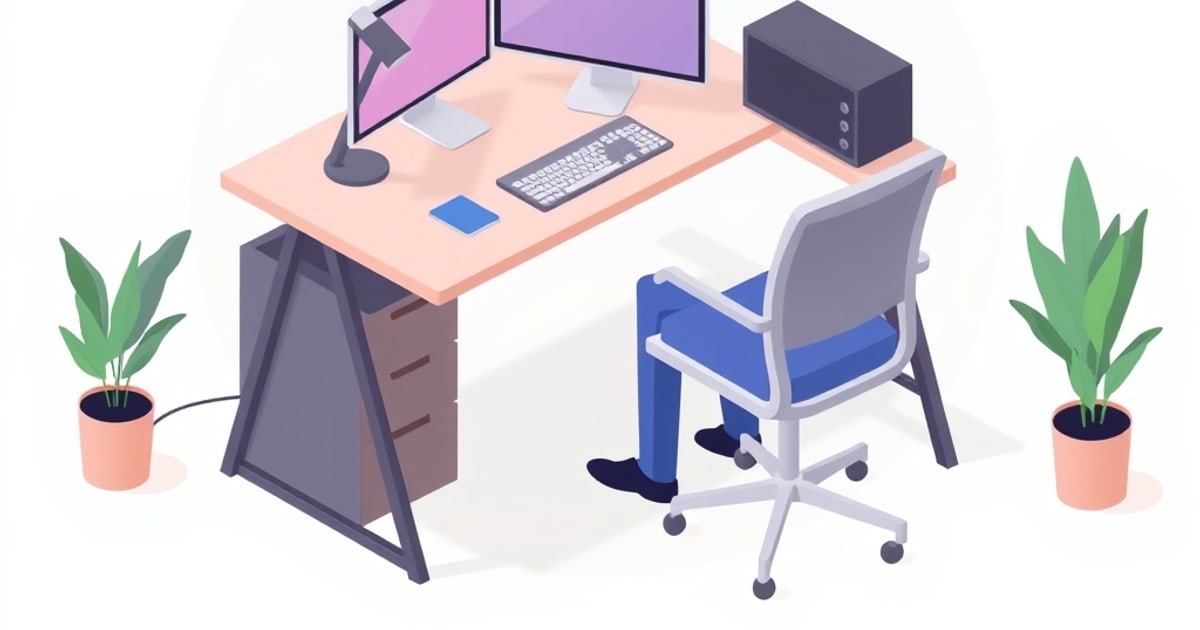
Setting Up a Neutral-Posture Workstation: The OSHA-Based Checklist
A step-by-step setup for a neutral-posture workstation, built on OSHA's computer-workstation guidance. Monitor height, viewing distance, elbow angle, and the order you should adjust things in for a pain-free 8-hour day.