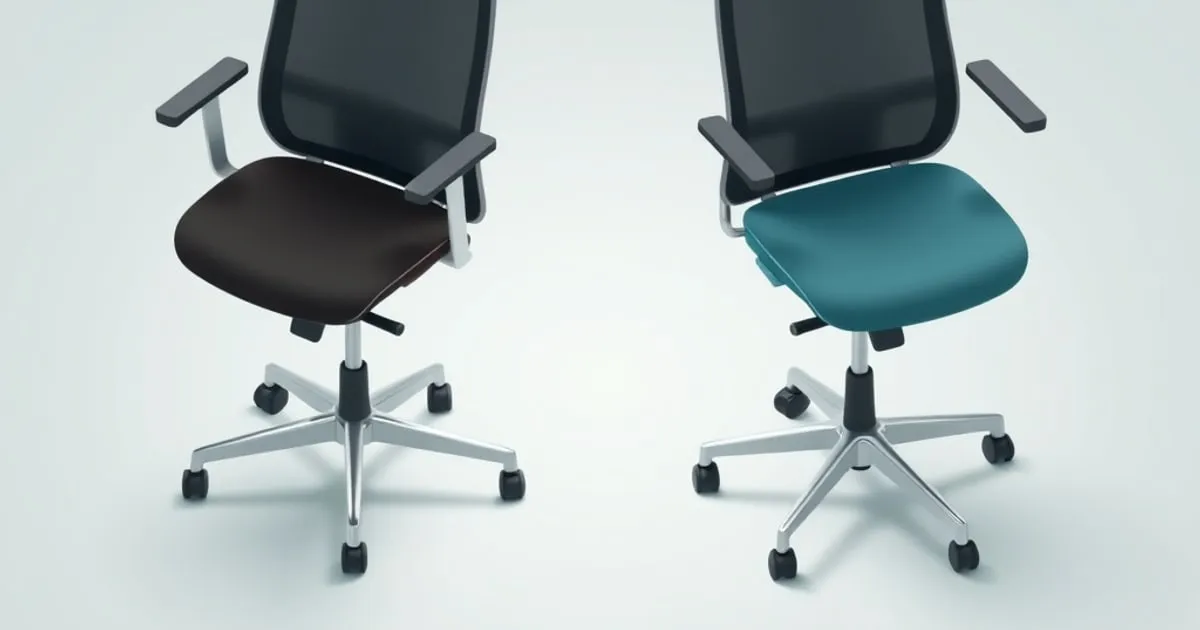
Ergonomic Chair Categories Compared: Task, Executive, Saddle, Kneeling
Mesh task, executive, saddle stool, and kneeling chairs ranked by who they actually fit. The honest answer for most desk workers is a mesh task chair — but here are the cases where a different category wins.
“Ergonomic chair” is a category that has stopped meaning anything useful. It’s printed on $90 mesh chairs and $1,800 Aerons alike. So before you compare individual models, it helps to compare the categories — because the right chair for a dentist is the wrong chair for a programmer, and the chair that fixes one person’s back pain causes another’s.
Here are the four chair categories a desk worker actually chooses between, ranked by how well each fits a full workday at a screen.
TL;DR: Which Category Fits You
| Category | All-day desk use | Active posture | Back support | Typical fit |
|---|---|---|---|---|
| Mesh task chair | ★★★★★ | ★★ | ★★★★★ | Most desk workers |
| Executive chair | ★★★★ | ★★ | ★★★★ | Looks-first offices |
| Saddle stool | ★★ | ★★★★★ | ★★ | Close-task / lab work |
| Kneeling chair | ★★ | ★★★★ | ★★ | One station in a varied setup |
For ~80% of people working at a screen all day, a mesh task chair is the correct category. The other three are tools for specific jobs, not all-day primary chairs.
1. Mesh Task Chair — Best for Most Desk Workers
The default, and for good reason. A mesh task chair lets you fit the chair to your body — adjustable lumbar, seat depth, armrests, and tilt — rather than forcing your body into a fixed shape. The breathable mesh back stays cool over an eight-hour session, which matters more than most buyers expect.
The strength of this category is passive ergonomics: a well-set-up mesh task chair supports your spine even when you slouch, instead of demanding perfect posture. That’s the whole point. You will slouch; the chair’s job is to keep your lumbar curve supported while you do.
Look for: adjustable lumbar height, seat-depth adjustment, 4D (or at least height + width) armrests, and a tilt mechanism with tension control. If a “mesh ergonomic chair” lacks seat-depth adjustment, it’s sized for an average user, not you.
See our best ergonomic chairs under $1,000 ranking for specific models in this category.
2. Executive Chair — When Appearance Matters
An executive chair is, functionally, a task chair with a higher back, more padding, and usually a leather or faux-leather finish for a more formal look. The better ones offer the same real adjustability as a task chair; the worse ones trade adjustment for plushness.
The trap here is buying padding instead of support. A deeply cushioned high-back chair feels supportive in a five-minute showroom test and offers no lumbar adjustment over an eight-hour day. If you choose this category, choose one that still adjusts where it counts — lumbar, seat depth, and arms.
Best for: client-facing offices, video-call backdrops, anyone who genuinely values the look and won’t compromise on adjustability to get it.
3. Saddle Stool — Active Sitting and Close-Task Work
A saddle stool changes hip position more than any other category. Instead of a flat seated posture, it opens the hips and drops the knees below the hip line, encouraging an upright trunk. This is why saddle seating dominates dentistry, dental hygiene, lab work, and studio tasks that require leaning in close to the work.
For general desk work, a saddle stool is best understood as a tool for active sitting used in concert with a standing desk ↗, not an all-day primary chair. It lacks the back support to carry a full sedentary workday on its own, and most users find it fatiguing as a sole seat.
Best for: close-task professionals, and as a second “active” station in a varied setup. Not recommended as your only chair.
4. Kneeling Chair — A Posture Cue, Not a Workday Solution
A kneeling chair shifts weight off the seat and onto shin pads, opening the hip angle and discouraging the heavy slump some people fall into in standard seating. As a posture cue for focused work blocks, it has a real niche.
But it’s not for every body or every task — there’s no back support, the shin pressure bothers many users over time, and getting in and out is a production. Like the saddle stool, a kneeling chair works best as one station in a varied setup rather than your single all-day chair.
Best for: users who slump heavily in standard chairs and want a different posture cue for focused stretches. Rotate, don’t commit.
What These Categories Have in Common
Every category here is a tool, and the body does best with variety. The strongest setup for many people isn’t one perfect chair — it’s a good mesh task chair as the primary seat, a standing desk ↗ for part of the day, and optionally a saddle or kneeling station to break up posture. Movement beats any single “correct” position.
What to Skip
- Racing-bucket “gaming chairs” sold as ergonomic. The fixed lumbar pillow doesn’t move with you, the bucket forces specific hip rotation, and there’s rarely recline-tension control. Branding aside, this is not an ergonomic category.
- Heavily-padded chairs with no lumbar adjustment. Padding is comfort for five minutes; adjustable lumbar is comfort for eight hours.
- Any chair without seat-depth adjustment if you’re notably taller or shorter than average.
How We Ranked
50% all-day support quality (how the chair treats a slouched user, not just a perfectly-postured one), 25% adjustability, 15% how well the category fits its intended job, 10% versatility. The mesh task chair wins because it’s the only category designed to carry a full sedentary workday while still adapting to your body.
Cross-Network Reading
- For the desk these chairs pair with: StandDeskReview ↗
- For monitor positioning that completes the setup: MonitorArmGuide ↗
- For building out the whole workstation: HomeDeskGuide ↗
Related Reading on ErgoRanker
- Best ergonomic chairs under $1,000
- Setting up a neutral-posture workstation
- Desk and chair bundle recommendations
Final Word
Pick the category before you pick the model. For a full day at a screen, that’s a mesh task chair that adjusts to your body — lumbar, seat depth, and arms. Saddle stools and kneeling chairs are excellent additions to a varied setup and poor replacements for a real task chair. And no amount of padding substitutes for adjustment you can actually dial in.
Related
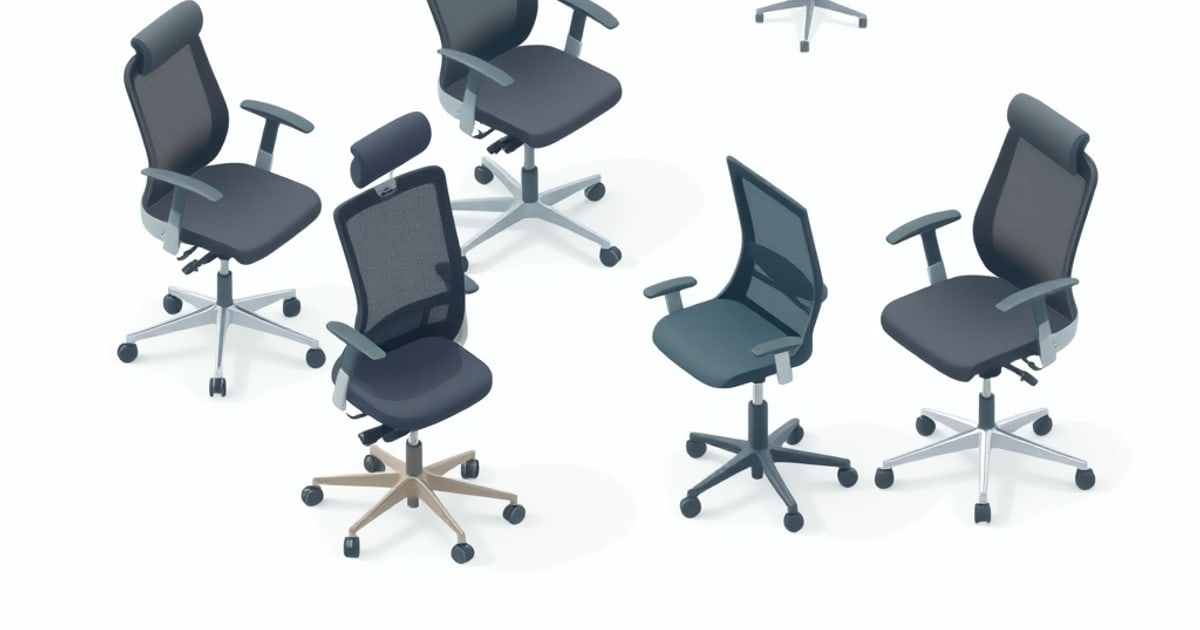
Best Ergonomic Chairs Under $1,000: Long-Sitting Picks for WFH
Ergonomic office chairs under $1,000 ranked by lumbar support quality, armrest adjustability, recline mechanism, and warranty. The picks that hold up to 8+ hours of sitting without back pain.
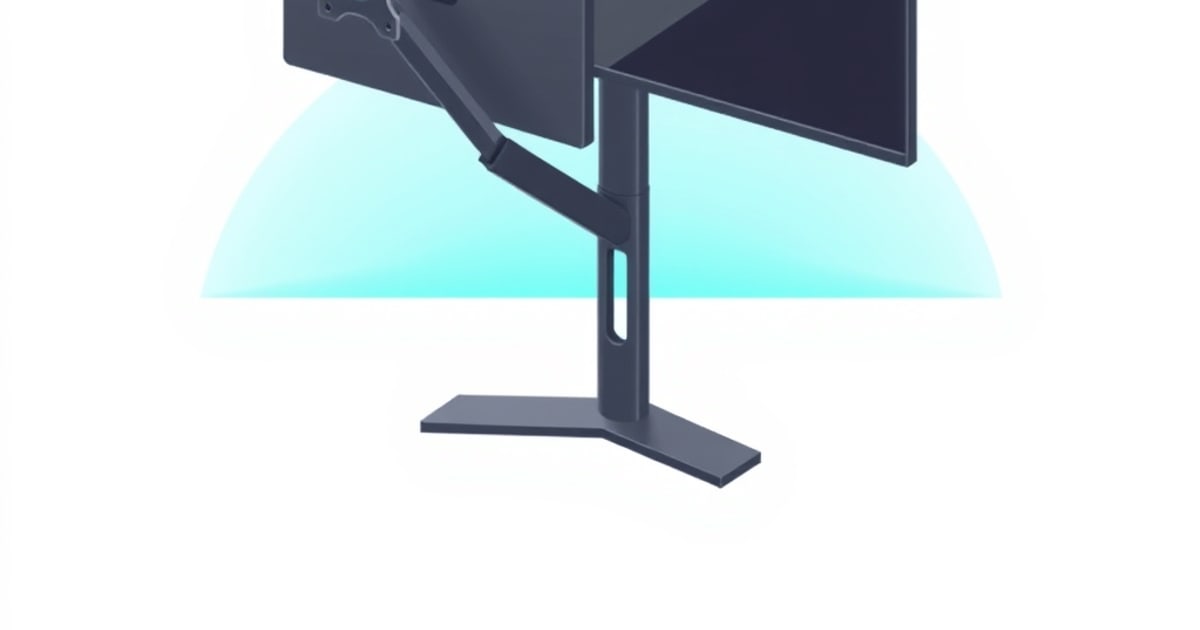
Monitor Arm vs Monitor Stand: Which Does Your Setup Need?
Monitor arm or monitor stand? We rank by ergonomic value, desk space recovery, sit-stand compatibility, and price. The short answer is 'usually an arm' — but here are the cases where a stand wins.
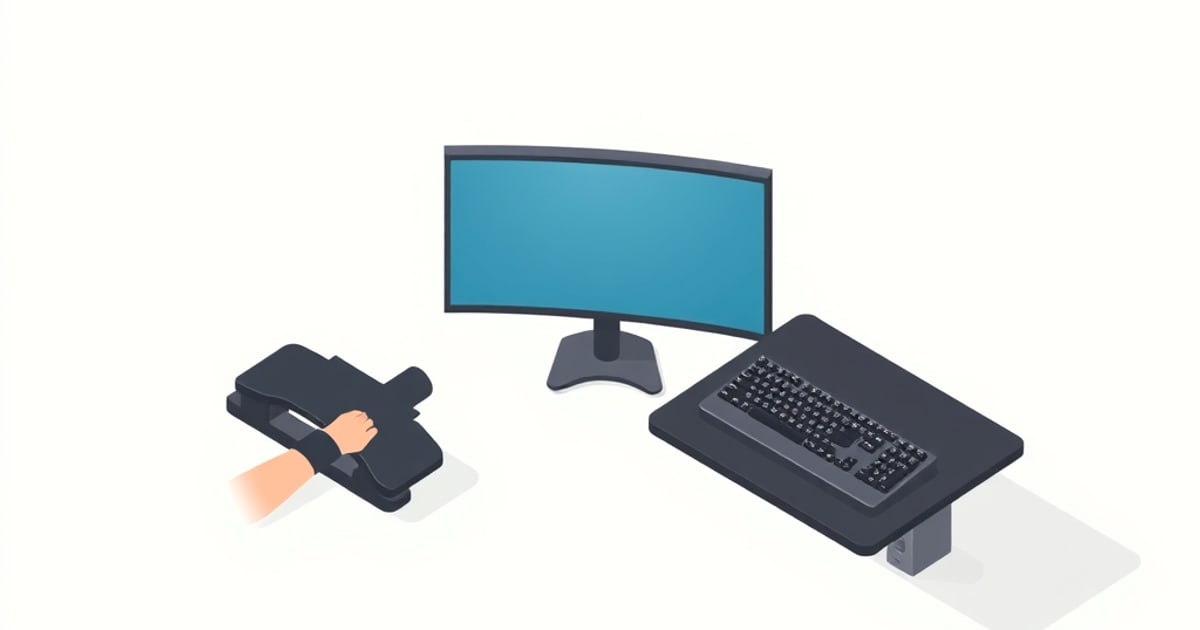
Wrist and Forearm Support Options Compared: Rests, Trays, and Angles
Wrist rests, forearm supports, keyboard trays, and tilt adjustments ranked by what they actually fix. The honest answer is that most wrist pain is a keyboard-height problem, not a missing wrist rest.