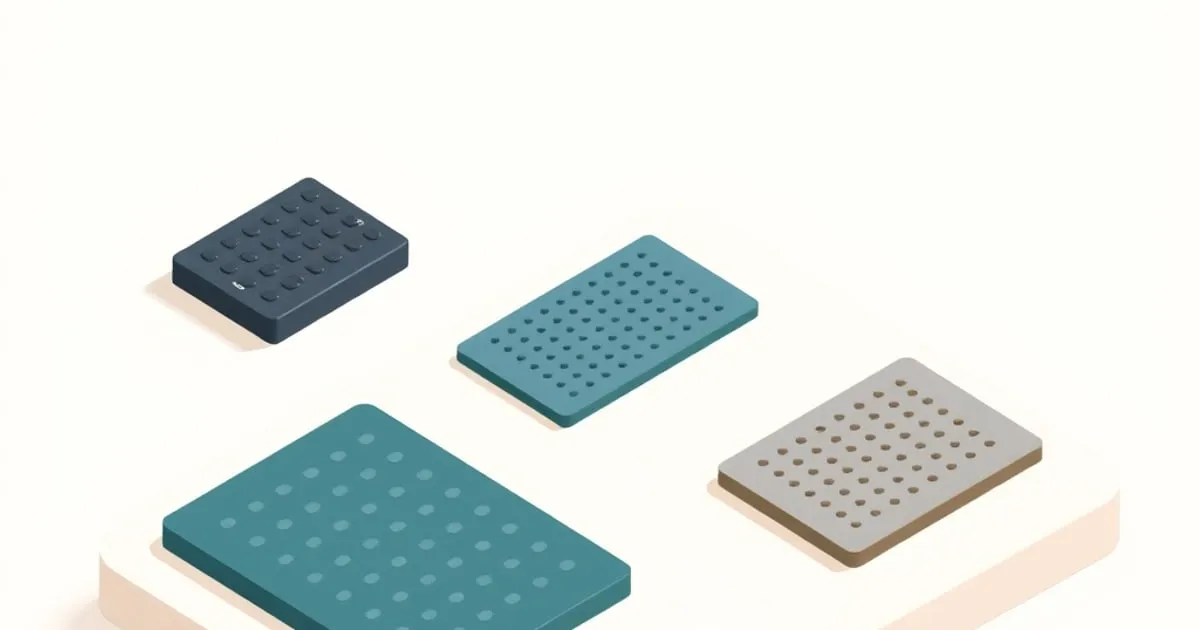
Footrests and Anti-Fatigue Mats Ranked: The Floor-Level Ergonomics
The under-desk gear nobody photographs but everybody feels by hour six. Footrests and anti-fatigue mats ranked by who needs them, the specs that matter, and the buyers who can skip them entirely.
Footrests and anti-fatigue mats are the least glamorous purchases in a home office and two of the highest-leverage. Nobody posts a photo of their footrest. But if your feet dangle when you sit, or your floor is hard tile when you stand, the gear at floor level is doing more for your comfort than the chair everyone obsesses over.
Here’s how we rank both categories, who actually needs each, and the specs worth paying for.
Do You Even Need These?
A quick gate before you spend money:
- You need a footrest if your feet don’t rest flat on the floor when your chair is set to the correct height for your elbows. (Common for shorter users and anyone whose desk forces a high seat.)
- You need an anti-fatigue mat if you stand for meaningful stretches at a standing desk ↗ on a hard floor.
- You can skip both if your feet sit flat at correct chair height and you don’t stand to work.
The footrest test is simple: set your chair so your elbows hit the 90–120° neutral angle. If your feet now dangle or you’re tip-toeing, you need a footrest. Don’t lower the chair to reach the floor — that wrecks your elbow and wrist angles to fix your feet.
Why Floor-Level Ergonomics Matter
When your feet don’t rest flat at the correct seat height, you get lower-back compression and poor hip alignment every minute you sit. A footrest restores the flat-feet, thighs-parallel position that a neutral posture requires.
For standing, the case is just as concrete: standing on a hard floor without a mat tends to bring on foot and lower-back fatigue within 20–30 minutes. An anti-fatigue mat encourages small, constant muscle engagement and spreads body weight more evenly, which is what keeps you comfortable past that 30-minute mark.
Footrests, Ranked by Type
1. Adjustable-Angle Rocking Footrest — Best Overall
The pick for most seated users. A footrest that both tilts (often up to ~30°) and rocks lets you change foot position through the day and keeps your legs gently active rather than locked. The rocking motion keeps the legs moving, which can reduce fatigue over a long day.
Look for: angle adjustment, a non-slip top surface, and a width that fits both feet comfortably. Height adjustment is a bonus for very short users.
2. Fixed-Angle Platform Footrest — Best Value
A simple wedge or platform at a fixed angle. Cheaper, no moving parts to wear out, and perfectly adequate if your seated height is consistent and you don’t want active motion. The trade-off is you can’t vary the angle through the day.
Best for: budget setups and users with one fixed working height.
3. Under-Desk Footrest Bars (built-in) — Situational
Some desks and a few chairs include a footrest bar. Fine as a bonus, rarely sufficient on its own — the position is fixed by the furniture, not by your legs, so it usually doesn’t land your feet flat at thigh-parallel.
Skip if: it’s the only foot support and it doesn’t actually put your thighs parallel to the floor.
Anti-Fatigue Mats, Ranked by Type
1. Contoured / Terrain Mats — Best for Active Standing
Mats with built-in contours, mounds, or a massage point (the Ergodriven Topo is the well-known example) invite micro-movements — shifting weight, stretching the calf, rolling the foot. That constant low-level motion is exactly what fights standing fatigue. For regular standing-desk users, this is the category to buy.
Look for: a firm-but-cushioned feel, a non-slip base, and beveled edges so you don’t trip stepping on and off.
2. Flat Cushioned Mats — Best Value
A simple thick foam or gel mat. Cushions the standing surface and meaningfully beats bare floor, without the active terrain features. A solid budget pick if you stand in shorter bursts.
Look for: at least ~3/4 inch of thickness and a beveled, non-curling edge.
3. Standing Mats With a Bar/Roller — Situational
Some mats add a calf roller or a bar to prop a foot on. Nice for variety; not essential. Useful if you already know you fidget while standing.
What to Skip
- Hard plastic footrests with no grip surface. Your feet slide; you fight to keep them placed. Buy a footrest with a textured or padded top.
- Thin “anti-fatigue” mats under half an inch. Below that, you’re standing on the floor with a token layer. They look the part and don’t do the job.
- Gel mats with no non-slip backing on a hard floor. A mat that slides when you shift weight is a hazard, not a comfort.
- Buying a mat if you only stand once or twice a day. If your standing time is brief, the mat is optional; spend the money on the chair instead.
How We Ranked
40% effect on the target problem (flat-feet support for footrests; fatigue reduction for mats), 25% ability to support varied position/movement, 20% build quality and non-slip safety, 15% value. Active-motion options win each category because movement, not a single fixed position, is what keeps the body comfortable across a long day.
How These Fit the Full Setup
Footrests and mats are the floor-level layer of a neutral-posture workstation. They don’t replace getting your chair, keyboard, and monitor right — they finish it. Set the upper body first; solve the feet last.
Cross-Network Reading
- For the standing desk these mats live under: StandDeskReview ↗
- For the monitor and tray layer above them: MonitorArmGuide ↗
- For the full home office build: HomeDeskGuide ↗
Related Reading on ErgoRanker
- Setting up a neutral-posture workstation
- Ergonomic chair categories compared
- Best ergonomic chairs under $1,000
Final Word
If your feet dangle, get a footrest before you buy anything else — it’s the cheapest fix for the most common posture problem. If you stand on a hard floor, get a contoured mat before you commit to a longer standing schedule. Both are small purchases that you feel every single hour you work.
Related
Wrist and Forearm Support Options Compared: Rests, Trays, and Angles
Wrist rests, forearm supports, keyboard trays, and tilt adjustments ranked by what they actually fix. The honest answer is that most wrist pain is a keyboard-height problem, not a missing wrist rest.
Setting Up a Neutral-Posture Workstation: The OSHA-Based Checklist
A step-by-step setup for a neutral-posture workstation, built on OSHA's computer-workstation guidance. Monitor height, viewing distance, elbow angle, and the order you should adjust things in for a pain-free 8-hour day.
Monitor Arm vs Monitor Stand: Which Does Your Setup Need?
Monitor arm or monitor stand? We rank by ergonomic value, desk space recovery, sit-stand compatibility, and price. The short answer is 'usually an arm' — but here are the cases where a stand wins.