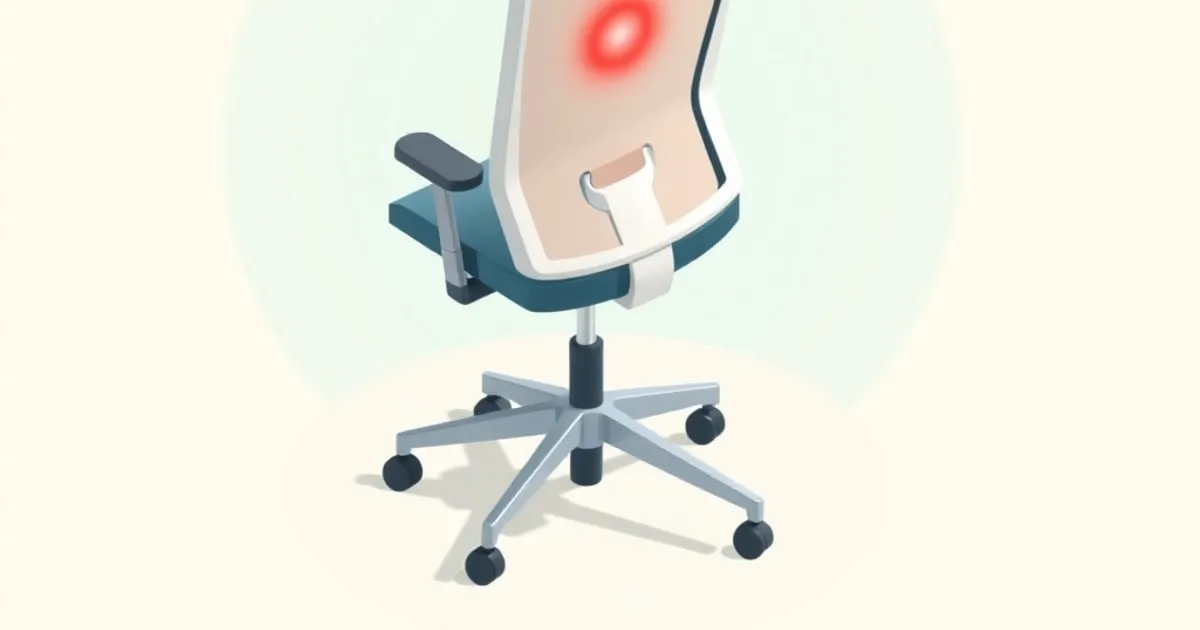
Best Ergonomic Office Chair for Back Pain: What the Specs Actually Tell You
Buying the best ergonomic office chair for back pain means reading past the marketing. Here are the measurements, adjustments, and trade-offs that separate chairs that fix pain from chairs that look like they might.
If you are hunting for the best ergonomic office chair for back pain, the honest answer is that no single chair fixes pain for every body, but a short list of measurable features separates chairs that change your situation from chairs that just cost more. This guide focuses on those features: what to look for, which specific chairs deliver them at each price tier, and what will wear out first.
One caveat before the specs: if you have diagnosed disc pathology, nerve compression, or anything beyond generic “sitting too long” discomfort, have a clinician rule out structural causes before you spend $1,500 on furniture.
Who This Is For
This guide targets people sitting six or more hours daily — developers, security analysts, writers, analysts working in technical fields where long workstation sessions are the norm ↗ — who have general lower back fatigue or chronic non-specific low back pain and want a chair that reduces load on the lumbar spine rather than just looking ergonomic.
Body size matters here. Most premium chairs are designed for the 5th-to-95th percentile anthropometric range per BIFMA G1 guidelines ↗, which in practice means a seated torso height of roughly 5’1” to 6’4”. If you fall outside that range, the first filter is whether the seat height, seat depth, and lumbar height can actually reach your dimensions — not whether the chair has a lumbar knob.
Specs That Matter
The table below covers the measurements that affect pain, not the ones that affect price. Figures are drawn from manufacturer specifications and authoritative retailers; prices are typical street prices and vary by configuration and dealer.
| Chair | Price (new) | Seat Height | Seat Depth | Lumbar Adjustment | Armrests | Warranty |
|---|---|---|---|---|---|---|
| Steelcase Leap V2 | ~$1,000–$1,400 | 15.5”–20.5” | Sliding pan | Height + tension | 4D | 12 years |
| Herman Miller Aeron (Size B) | ~$1,500–$1,800 | 16”–20.5” (standard cylinder) | 17” | PostureFit SL (sacral + lumbar) | 4D | 12 years |
| Colamy Atlas | ~$300 | ~17”–21” | Sliding pan | Height-adjustable | 4D | 3 years |
| Eurotech Vera | ~$485 | 18.9”–23.6” | Fixed | Mesh-back lumbar support | 6-way arms | 5 years (foam/fabric) |
| Refurbished Steelcase Leap V2 | $600–$700 | 15.5”–20.5” | Sliding pan | Height + tension | 4D | 12 years (original) |
The Aeron Size B’s seat depth is fixed at 17 inches, which is worth checking against your own buttock-to-popliteal measurement. CCOHS ergonomic chair guidelines ↗ specify a 2-to-3-finger gap between the seat edge and the back of your knee when sitting fully back against the lumbar support. If that 17-inch depth leaves less clearance than that, the Aeron’s Size A (shorter depth) or a chair with a sliding seat pan is a better fit.
Adjustability That Actually Affects Pain
The features most correlated with reducing lumbar load are seat depth, lumbar support height, and seat-pan tilt — in that order. Here is what each does and which chairs deliver it:
Seat-pan depth slider. When the seat is too deep, users scoot forward to clear their knees, which forfeits lumbar contact entirely. The Steelcase Leap V2’s sliding seat pan adjusts the usable depth across a meaningful range, which closes the gap for shorter-torso users without requiring them to abandon back support. The Colamy Atlas has a real depth slider at its sub-$300 price point, which is rare in that tier.
Lumbar height. The lumbar spine sits roughly at L4–L5, around belt height — but that anatomical landmark sits higher on a 6’3” frame than a 5’4” one. Chairs with fixed lumbar placement (most sub-$300 mesh chairs) work well for users whose anatomy happens to line up; everyone else feels a fixed knob in the wrong place. The Leap V2 slides its lumbar vertically behind the backrest. The Aeron’s PostureFit SL uses a sacral pad plus a separate lumbar pad, each independently adjustable, which covers more of the posterior pelvic and lumbar range than a single knob.
Lumbar tension. Separate from height, the Leap V2 lets you dial in how much the lumbar support pushes forward. This matters because passive contact (the support just sits there) does less than active support that keeps the spine in mild lordosis under load.
Recline tension and tilt lock. A recline that is too stiff pushes users into sustained forward flexion to override the chair’s resistance. The Leap V2 has a recline tension knob and five tilt-lock positions. The Aeron uses an adjustable tilt limiter. If a chair has no recline tension control, it is functionally a fixed-posture chair regardless of what else adjusts.
4D armrests (height, width, depth, pivot) reduce shoulder-load compensation for those with lateral neck or trapezius pain, but this is a secondary concern if lumbar fit is not solved first.
Long-Session Reality
The difference between a ten-minute showroom impression and an eight-hour workday: chairs that feel plush out of the box often compress their foam well before a workday is over, shifting pressure from the seat edge onto the sacrum. Mesh chairs maintain their suspension geometry longer into a session, which is why both the Aeron and Leap V2 use mesh backrests rather than foam panels.
The Leap’s LiveBack system is the specific mechanism worth understanding: the backrest flexes with thoracic movement, maintaining contact through posture shifts rather than locking into one position. For people who move frequently (which is advisable regardless of chair quality), this means sustained lumbar contact rather than contact that depends on staying still.
After two-hour sessions, the localized pressure point to check is the sacrum and tailbone. If you feel hot or numb there, the seat-pan height or tilt is wrong for your pelvis, not merely “too much sitting.” Adjust seat height until thighs are parallel or slightly declined, feet flat on the floor.
What Fails First
Foam seats lose support over years of daily use as they compress; mesh seats last longer but eventually stretch. Gas lifts are a common failure point on chairs used in shifts or by multiple users. Casters on hard floors wear faster than on carpet. On the Leap V2, the plastic lumbar housing can crack in older units; inspect if buying refurbished.
The 12-year warranties on the Aeron and Leap V2 are parts-and-labor for the mechanisms, not cosmetic wear. Mid-tier task chairs in the $300–$700 range carry noticeably shorter mechanism warranties, often in the low single-digit years, which is the actual risk period for plastic components under load.
The Price-Tier Reality
A sub-$300 chair with a seat-depth slider (the Colamy Atlas) solves the single most common fit problem at a fraction of the cost of a Leap or Aeron. If your primary complaint is that you lose lumbar contact because you scoot forward, fix seat depth before spending more.
A refurbished Leap V2 around $600–$700 from a reputable dealer gets you a class-leading lumbar adjustment well below the new price, with the full 12-year warranty intact on the mechanism. This is the highest-value purchase at the $600–$800 tier; the Aeron at a similar refurbished price wins on its all-mesh suspension seat, which some shorter-session users prefer for breathability.
A new Aeron Size B (loaded with PostureFit SL and fully adjustable arms) and a new Leap V2 both land roughly in the $1,500–$1,800 and $1,000–$1,400 ranges respectively, depending on configuration and dealer. They are justified when the warranty is load-bearing (commercial deployment, shift workers) or when the refurbished market is thin in your region. The gap in ergonomic performance between a well-adjusted refurbished Leap and a new Leap is negligible for a single-user home office.
Sources
-
CCOHS: Office Ergonomics — Ergonomic Chair ↗ — Canadian Centre for Occupational Health and Safety guidelines on chair adjustment, seat depth, lumbar requirements, and posture.
-
Herman Miller Aeron Chair Specs ↗ — Official manufacturer specification sheet with seat height ranges by size, depth, and dimension data.
-
Best Office Chairs For Back Pain Relief 2026 — BTOD ↗ — Independent commercial review with hands-on adjustment testing across multiple chairs and price tiers.
-
Steelcase Leap Chair — Steelcase ↗ — Manufacturer product page for the Leap V2, including LiveBack mechanism description, adjustment range, and weight capacity.
Sources
Related
Footrests and Anti-Fatigue Mats Ranked: The Floor-Level Ergonomics
The under-desk gear nobody photographs but everybody feels by hour six. Footrests and anti-fatigue mats ranked by who needs them, the specs that matter, and the buyers who can skip them entirely.
Setting Up a Neutral-Posture Workstation: The OSHA-Based Checklist
A step-by-step setup for a neutral-posture workstation, built on OSHA's computer-workstation guidance. Monitor height, viewing distance, elbow angle, and the order you should adjust things in for a pain-free 8-hour day.
Best Ergonomic Chairs Under $1,000: Long-Sitting Picks for WFH
Ergonomic office chairs under $1,000 ranked by lumbar support quality, armrest adjustability, recline mechanism, and warranty. The picks that hold up to 8+ hours of sitting without back pain.